


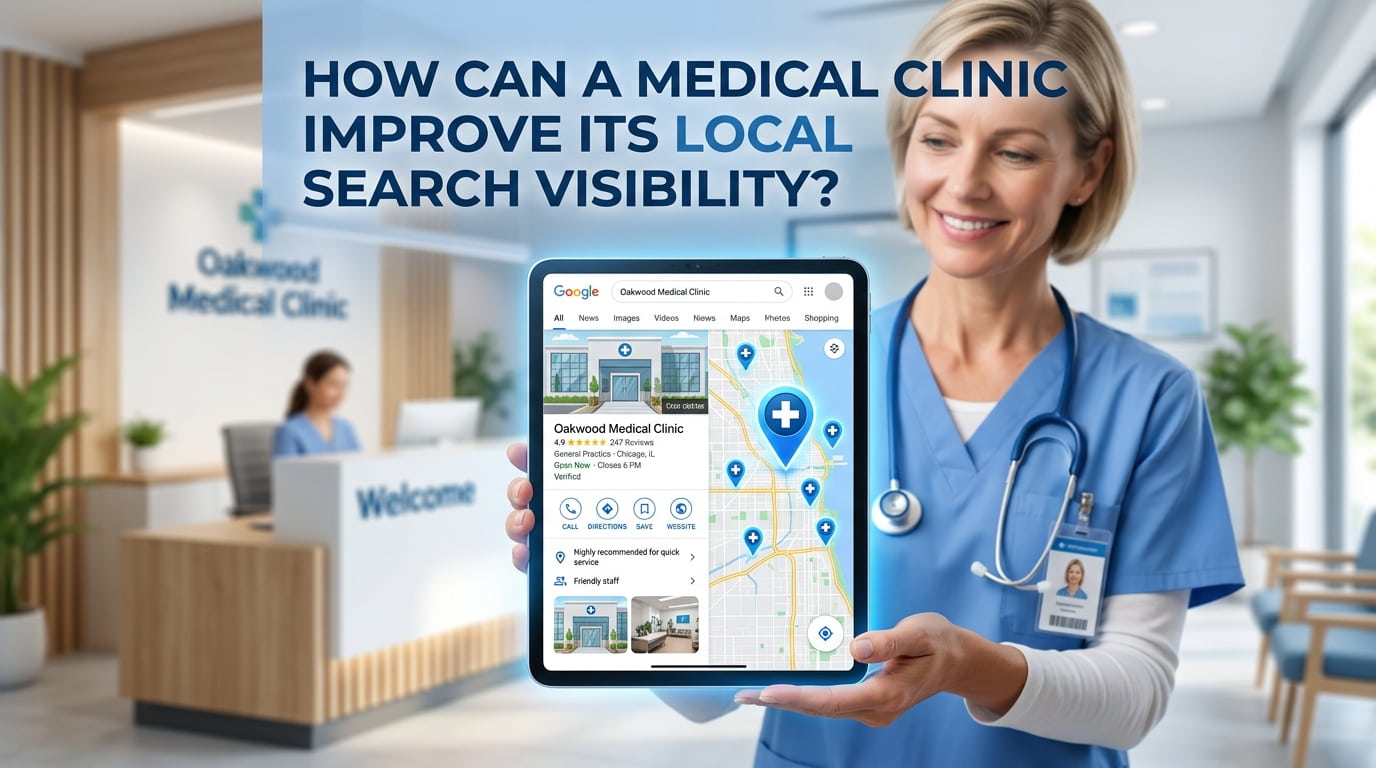
A medical clinic can improve its local search visibility by keeping its Google Business Profile accurate, publishing useful service pages, collecting genuine reviews and making its location and booking information easy to find.
Local SEO for medical clinics should help nearby patients answer three questions: does this clinic provide the service I need, can I reach it, and how do I arrange an appointment?
Check Which Searches Already Bring Visibility
Before changing your website, check Google Search Console to see which searches generate impressions and which pages appear.
Look for your clinic name, relevant treatments, clinician names and searches containing your town or city. Then check whether the page appearing for each query gives patients the right information.
For example, if your homepage appears for a specific consultation but barely explains it, a dedicated service page may be more useful. If that page already exists, improve its information and connections to other relevant pages before creating another one.
Compare equivalent reporting periods. More impressions indicate greater search exposure, but they do not automatically mean more enquiries or appointments.
Keep Your Google Business Profile Accurate
Your Google Business Profile should reflect the clinic patients will actually visit.
Check your business name, category, address, map pin, telephone number and opening hours. Make sure website and appointment links work and direct people to the appropriate pages.
Google identifies relevance, distance and prominence as the main factors behind local results. Complete information helps it understand how your business matches a search, while the searcher’s location also affects which clinics appear. support.google.com
Use your genuine clinic name rather than adding extra keywords. Choose categories that describe your actual business and services.
Upload current photographs of the entrance, reception and facilities where appropriate. Avoid including identifiable patients without suitable permission.
Improve Pages for Your Main Medical Services
A treatment or consultation page should help someone assess the service before contacting reception.
Include useful details such as:
- What the service involves.
- Who provides it.
- Where appointments take place.
- Whether a referral is required.
- Available fees or how to request pricing.
- How to book.
For a private GP consultation page, explain appointment arrangements and what patients can discuss during the consultation. For a diagnostic service, explain the booking process and any preparation requirements, with clinical review where needed.
Use location details naturally. Patients benefit from knowing where a service is available; they do not benefit from seeing the same town name repeated throughout the page.
If your website has unclear service targeting or incomplete treatment information, our SEO support for medical clinics can help you prioritise the improvements.
Make Each Clinic Location Easy to Find
Patients should be able to identify the correct branch, entrance and contact details without searching across several pages.
For each genuine clinic location, provide:
| Information | What patients need |
|---|---|
| Address | The complete address and correct postcode |
| Directions | Useful entrance, parking and transport information |
| Opening hours | Current hours and relevant appointment arrangements |
| Services | Treatments and consultations available at that branch |
| Contact details | The appropriate reception number and booking route |
| Clinicians | Who practises at the location, where applicable |
A single-location clinic may only need a detailed contact or location page. A clinic with several branches should explain their differences.
Avoid publishing near-identical pages for neighbouring towns where you have no premises or useful location-specific information.
Request Honest Patient Reviews
Give patients who wish to share feedback a straightforward way to do so. A Google review link or QR code can reduce the effort involved.
Ask for an honest account of their experience. Do not offer discounts, gifts or other incentives for posting, changing or removing Google reviews. Google prohibits this practice. support.google.com
Public replies should remain professional and protect privacy. Avoid confirming patient status or discussing diagnoses, appointments or treatment. Where a concern needs investigation, offer an appropriate private contact route.
A consistent feedback process is more useful than requesting reviews only occasionally or pressuring patients to leave positive comments.
Publish Clear Clinician Profiles
Patients often compare the professionals behind a service as well as the clinic itself.
A useful clinician profile can include their name, role, verified qualifications, relevant registration information, areas of practice and appointment locations.
Keep biographies accurate and current. Explain relevant experience without overstating expertise or making unsupported claims.
For clinical content, establish who checks the medical information and approves it before publication. SEO editing can improve clarity and structure, but it does not replace qualified clinical review.
Correct Important Business Listings
Check relevant professional directories, insurer listings and local business websites for outdated clinic details.
Prioritise incorrect addresses, telephone numbers, website links and duplicate entries that could confuse patients.
Choose listings because they are relevant and useful, rather than submitting the clinic to hundreds of unrelated directories.
Genuine community activities, professional contributions and partnerships may also create opportunities for relevant mentions. Those mentions should accurately describe the clinic and its involvement.
Make Mobile Enquiries Straightforward
Review your website on a phone. Can a patient read the service information, find the clinic and contact reception easily?
Check that:
- Telephone buttons use the correct number.
- Booking links work.
- Forms are short and clearly labelled.
- Text remains readable.
- Pop-ups do not cover important information.
- Confirmation messages explain what happens next.
Ask someone unfamiliar with the website to find a service and request an appointment. Their difficulties can reveal problems your team has stopped noticing.
Measure Enquiries Separately from Rankings
Use search data alongside records of genuine patient actions.
| Metric | What it measures |
|---|---|
| Search impressions | How often your pages appeared in search |
| Organic visits | Website visits attributed to organic search |
| Form submissions | Recorded contacts, after checking spam and duplicates |
| Telephone enquiries | Calls received, where measured appropriately |
| Confirmed appointments | Bookings verified through clinic records |
A booking-button click does not prove an appointment was completed. An enquiry does not establish treatment or revenue.
Use consistent reporting periods and appropriate privacy arrangements. This makes it easier to understand whether improved visibility is creating useful opportunities for the clinic.
What Should You Improve First?
Start with errors that prevent patients from finding or contacting you. Correct inaccurate business details, broken booking links and missing information on important service pages.
Next, improve location details, clinician profiles and your review-request process. Measure the results before expanding into additional content.
Local visibility depends on your location, competition and other factors. The practical goal is to make your clinic easier to find, assess and contact for the services it genuinely provides.
For broader help with your website’s search visibility, explore our medical SEO services.
You may also find useful: What Should a Clinic Google Business Profile Include? · What Should a Medical Clinic SEO Audit Review?
Related services: GP Clinic SEO · SEO for Physiotherapy Clinics · Local SEO for Med Spas